generate
Will scan through your gitlab-ci yml and build documentation from the yml.
See it in action

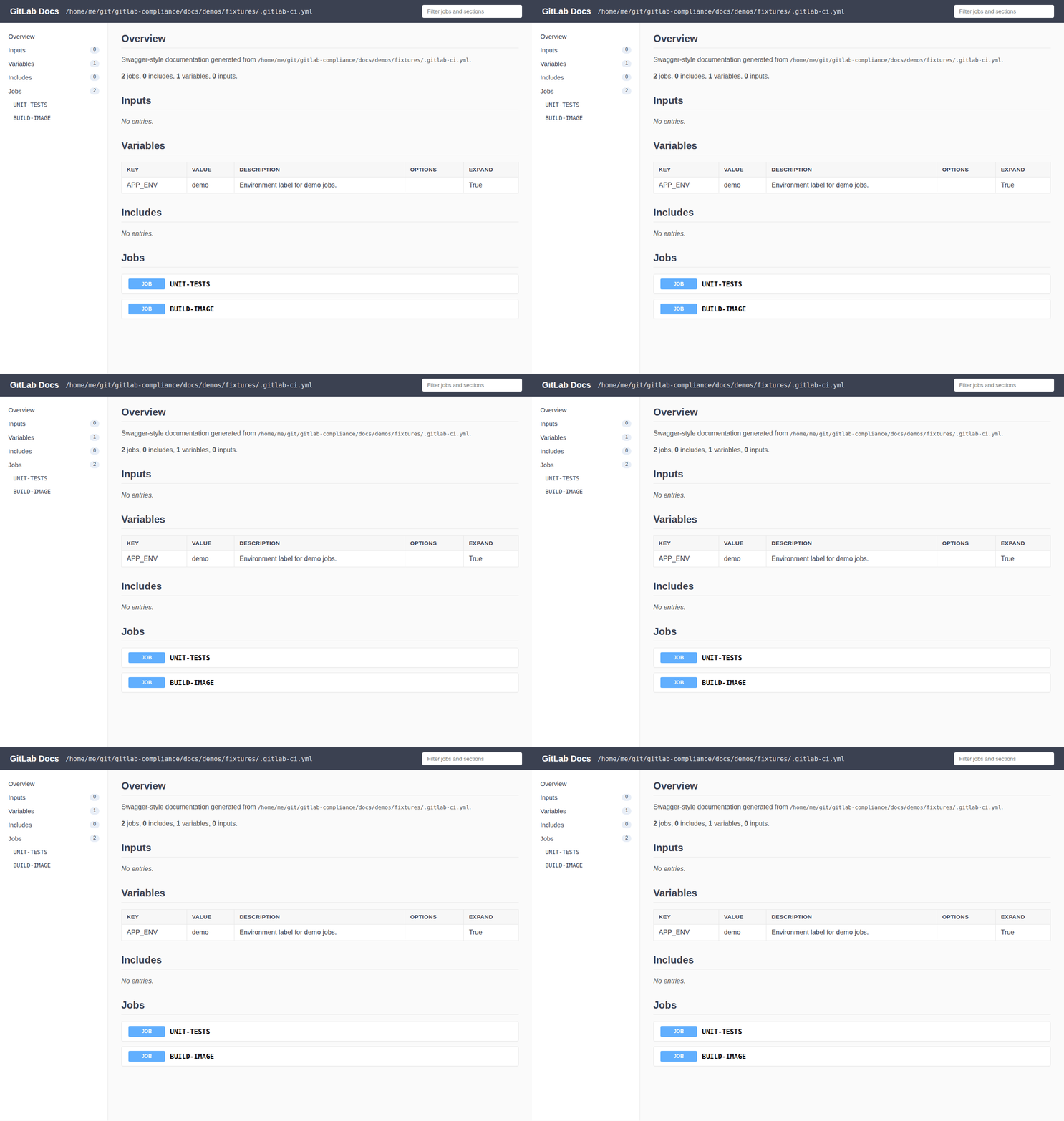
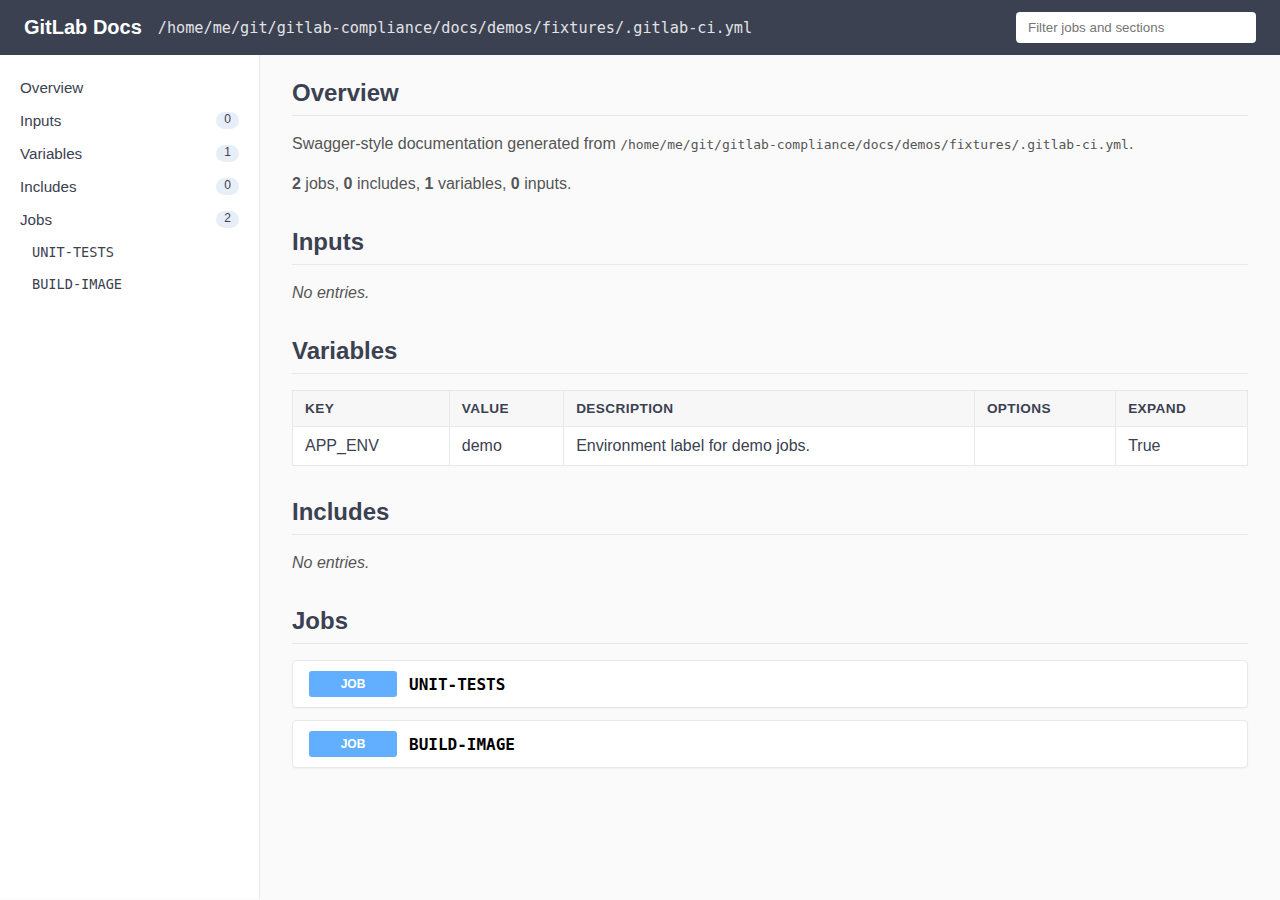
CLI writes the HTML file, then the rendered documentation:

Option details
Use get-attributes when you need an include whitelist
of specific job attributes as a table; use generate --exclude for a
blacklist when building full pipeline documentation.
gitlab-compliance generate -i .gitlab-ci.yml \
  --exclude variables,workflow,image \
  --group-by stage \
  --format swagger-markdown
--max-include-depth matches check and document gitstrings: omit for
unlimited nesting; depth 0 is the root file.
Usage
Usage: gitlab-compliance generate [OPTIONS]
Options
detailed:- Type: BOOL
- Default:
false - Usage:
--detailed
Will include workflow and rules from jobs.
output_format:- Type: Choice(['markdown', 'swagger-markdown', 'html'])
- Default:
markdown - Usage:
--format
-f
Output format for generated documentation.
DRY_MODE:- Type: BOOL
- Default:
false - Usage:
--dry-mode
-d
If set will disable documentation from being written
OUTPUT_FILE:- Type: STRING
- Default:
none - Usage:
--output-file
-o
Output location of the generated documentation.
GLDOCS_CONFIG_FILE:- Type: STRING
- Default:
.gitlab-ci.yml - Usage:
--input-config
-i
The Gitlab CI Input configuration file to generated documentation from.
exclude:- Type: STRING
- Default:
none - Usage:
--exclude
-x
Comma-separated sections or job attributes to omit from output. Sections: inputs, variables, includes, workflow, jobs, container_images.
group_by:- Type: STRING
- Default:
none - Usage:
--group-by
-g
Group jobs in the Jobs section by this job attribute (e.g. stage).
max_include_depth:- Type: INT
- Default:
none - Usage:
--max-include-depth
Max local include nesting depth from the root file (omit for unlimited).
help:- Type: BOOL
- Default:
false - Usage:
--help
Show this message and exit.
CLI Help
Usage: gitlab-compliance generate [OPTIONS]

  Will scan through your gitlab-ci yml and build documentation from the yml.

Options:
  --detailed                      Will include workflow and rules from jobs.
  -f, --format [markdown|swagger-markdown|html]
                                  Output format for generated documentation.
  -d, --dry-mode                  If set will disable documentation from being
                                  written
  -o, --output-file TEXT          Output location of the generated
                                  documentation.
  -i, --input-config TEXT         The Gitlab CI Input configuration file to
                                  generated documentation from.
  -x, --exclude TEXT              Comma-separated sections or job attributes
                                  to omit from output. Sections: inputs,
                                  variables, includes, workflow, jobs,
                                  container_images.
  -g, --group-by TEXT             Group jobs in the Jobs section by this job
                                  attribute (e.g. stage).
  --max-include-depth INTEGER     Max local include nesting depth from the
                                  root file (omit for unlimited).
  --help                          Show this message and exit.