Usage
CLI getting started, common flags, demos, and links into each command page.
Regardless of how you install gitlab-compliance,
the tool supports two primary workflows:

Compliance (check)
- Author Gherkin policies (
.featurefiles) in a directory or OCI registry - Point the CLI at your pipeline YAML
- Optionally enable GitLab API checks with a token and project path
- Fail the job on violations (default exit code
1)
gitlab-compliance check -h
Documentation (generate)
- Point the CLI at your pipeline YAML
- Choose an output format (
markdown,swagger-markdown, orhtml) - Optionally exclude sections or job attributes, or group jobs by attribute
gitlab-compliance generate -h
gitlab-compliance generate -i .gitlab-ci.yml --format swagger-markdown -o pipeline-reference.md
gitlab-compliance generate -i .gitlab-ci.yml --exclude variables,workflow --group-by stage
See Generate pipeline documentation and Check for full option details.
CLI reference
-f / --features
Required for check, policies doc, and policies push.
Directory of .feature policy files, or an OCI reference:
gitlab-compliance check -f policies/ -p .gitlab-ci.yml
gitlab-compliance check -f oci://registry.example.com/org/policies:1.0.0 -p
.gitlab-ci.yml
Use --update with OCI references to pull the latest bundle before running.
--with-builtin
Also run bundled baseline policies shipped inside the gitlab-compliance
package. Your -f directory is optional when this flag is set; omit -f
to run only the bundled pack, or pass -f to merge your policies alongside it.
gitlab-compliance check -p .gitlab-ci.yml --with-builtin
Bundled policies include plain scenarios (job images, include pinning),
shell script standards (GLCI-BUILTIN-SHELL-* under builtin_policies/shell/), and
advanced Scenario Outline matrices (variable allowlists, component input
constraints). See Advanced scenarios
and shell-check.
--with-shell-check
Also run packaged shell script standards (GLCI-BUILTIN-SHELL-*) for
before_script, script, and after_script. Your -f directory is
optional when this flag is set; omit -f to run only the packaged shell
policies.
gitlab-compliance check -p .gitlab-ci.yml --with-shell-check
Equivalent to running shell-check in the same invocation. See
shell-check.
--with-supply-chain
Also run packaged supply-chain pinning policies for includes, container images,
and services. Your -f directory is optional when this flag is set. This is
a read-only policy check; pass --fix to auto-remediate YAML.
gitlab-compliance check -p .gitlab-ci.yml --with-supply-chain
Equivalent to supply-chain in the same invocation. See
supply-chain.
--with-builtin runs only the top-level bundled baseline pack (it does not
include shell/ or supply-chain/ subdirectories). Add --with-shell-check
or --with-supply-chain when you want those policy sets.
-p / --pipeline
Path to the GitLab CI pipeline YAML (default: .gitlab-ci.yml).
gitlab-compliance check -f policies/ -p .gitlab-ci.yml
--project / --group
Enable API-backed scenarios against project or group settings. Requires a GitLab token — see Environment Variables.
export GITLAB_TOKEN="<token>"
gitlab-compliance check -f policies/ -p .gitlab-ci.yml --project
my-group/my-project
API scenarios are skipped when connection info is missing unless you pass
--strict.
--format / -o
Report format and output file:
| Format | Purpose |
|---|---|
console |
Rich tables in the terminal (default) |
markdown |
Human-readable report file |
html |
HTML report |
mr-comment |
GitLab merge request comment body |
codequality |
GitLab Code Quality JSON (gl-code-quality-report.json) |
gitlab-compliance check -f policies/ -p .gitlab-ci.yml --format markdown -o
COMPLIANCE-REPORT.md
Other commands
| Command | Description |
|---|---|
check |
Run Gherkin compliance policies against pipeline YAML |
shell-check |
Run packaged Gherkin shell standards for CI scripts (not ShellCheck) |
generate |
Build Markdown or HTML documentation from pipeline YAML |
get-attributes |
Export selected job attributes as a table |
policies doc |
Generate a policy catalog from # METADATA annotations |
policies push |
Publish a policy bundle to an OCI registry |
policies pull |
Pull a policy bundle from an OCI registry |
release-notes |
Generate release notes from GitLab commits |
document gitstrings |
Render inline yaml gitstrings fences into README marker blocks |
Template documentation
For ci-template READMEs, use document gitstrings to turn decorated YAML snippets into tables inside gitstrings markers (alongside generate for full pipeline YAML).
Quick start
Compliance
pip install gitlab-compliance
cp -r examples/example-policies/security/ policies/
gitlab-compliance check -f policies/ -p .gitlab-ci.yml
Documentation
pip install gitlab-compliance
gitlab-compliance generate -i .gitlab-ci.yml --format swagger-markdown -o pipeline-reference.md
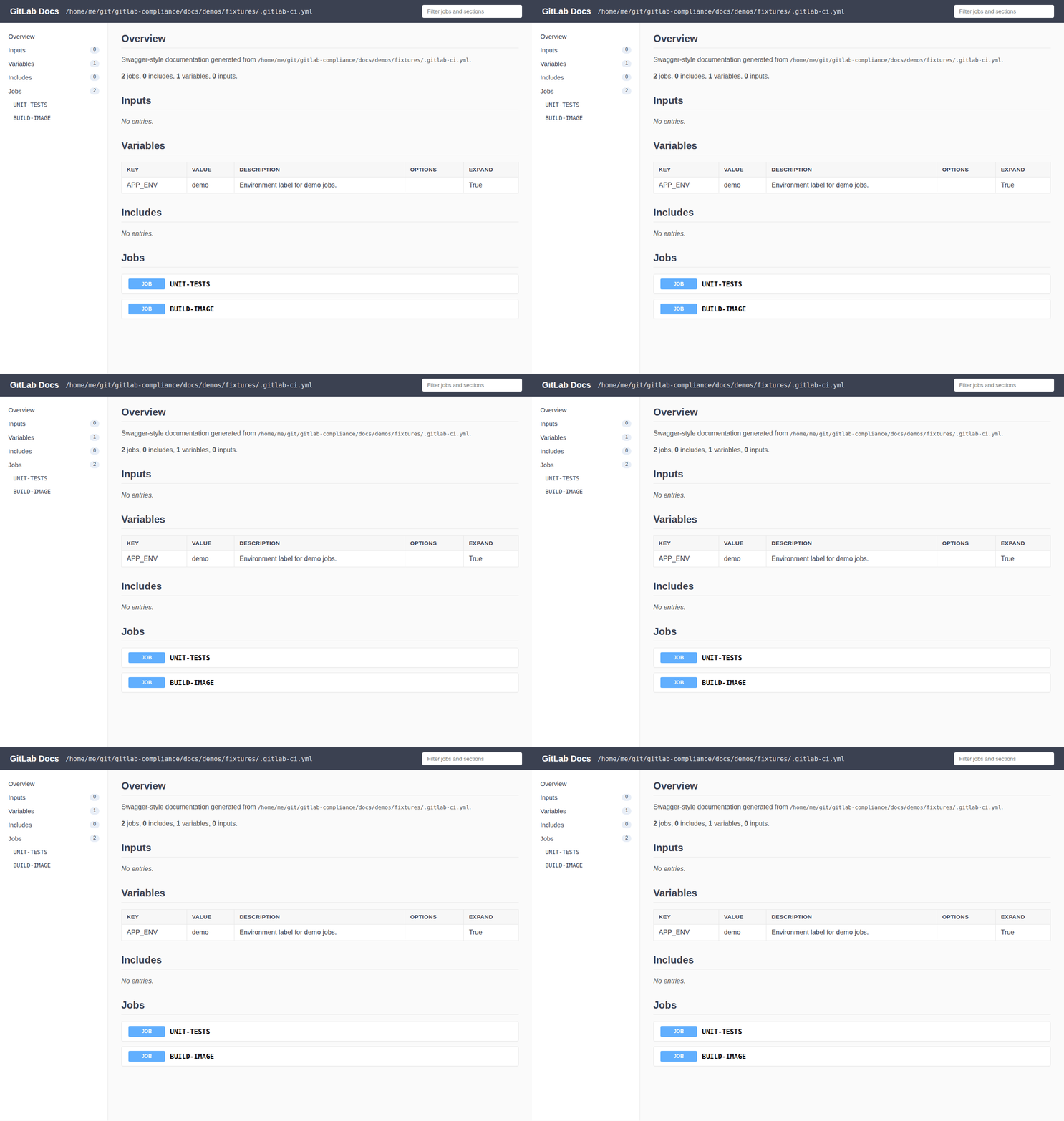
Sample generated output: GitLab Docs output example.
See also Check and Environment Variables.
Demos
All generated offline demos. Details and option-level embeds live on each command page below. Recording: demos README.
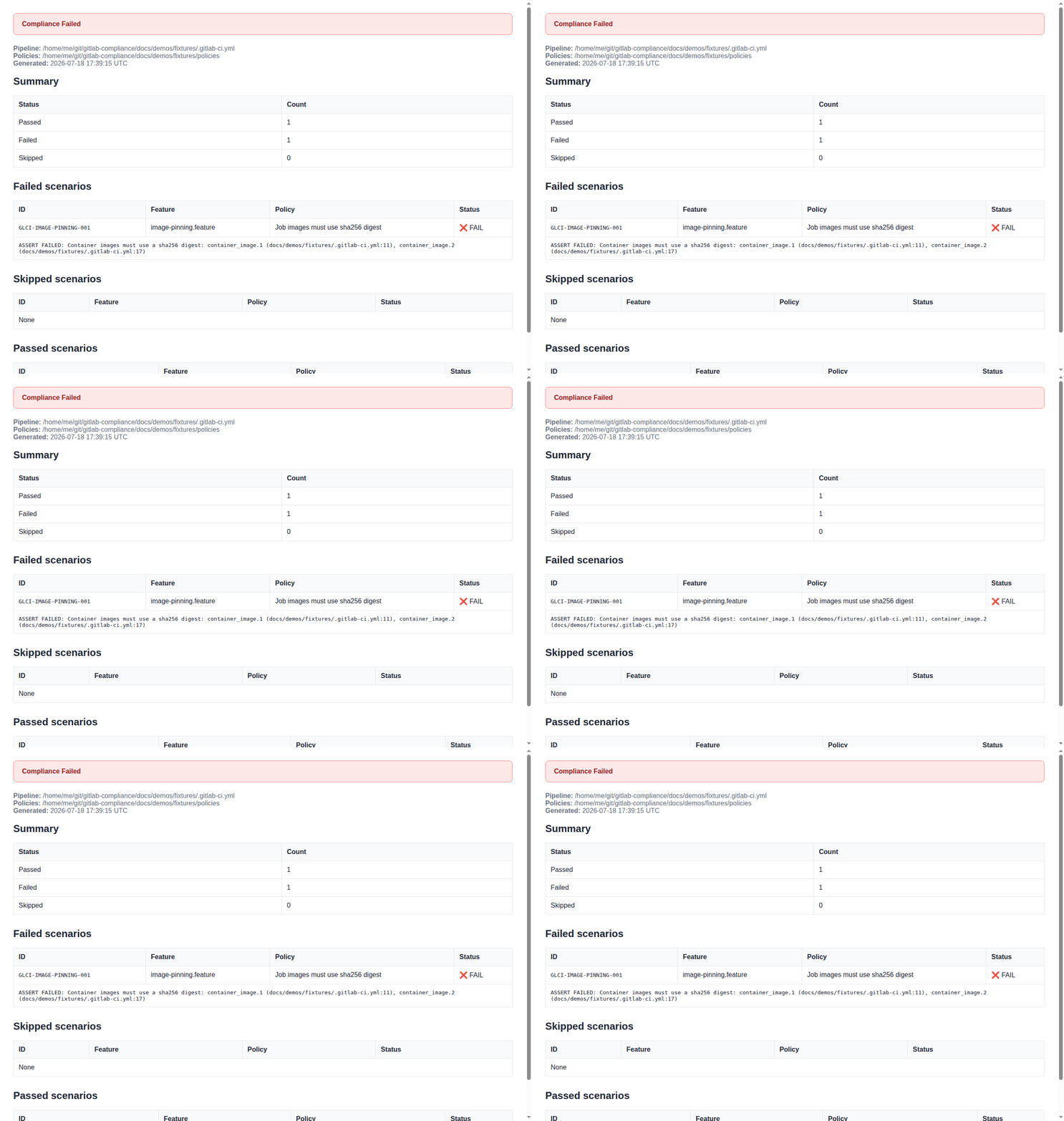
check




generate


get-attributes

policies doc

document gitstrings